Intro: a practical framework for predictable playback
Large-format LED installations, from Times Square billboards to stadium wraps, expose the limits of naive playback setups. A focused framework reduces visible artifacts: tearing, color drift, and latency. Begin by aligning the media player with the display pipeline and the LED video controller that sits between content and panel. Key parameters to note immediately are pixel pitch, refresh rate and the frame buffer sizing that the controller supports.

Framework: core components and responsibilities
Treat optimization as a chain where each link has a single responsibility. The chain includes source encoding, player scaler, frame buffer, LED controller, and the panel. A short checklist clarifies roles:
– Source encoding: use constant-bitrate profiles that preserve color depth and avoid adaptive bitrate switches during playback. – Player scaler: perform integer scaling where possible to match pixel pitch and avoid chroma interpolation. – Frame buffer: set enough buffer to mask network jitter or disk stalls, but not so large as to introduce perceivable input latency. – LED controller: match color space, gamma curve, and refresh expectations with the controller firmware. – Panel timing: synchronize refresh rate and blanking intervals to prevent frame tearing.
Hardware and playback settings
Choose playback hardware that supports the display’s native timing. Many embedded HD players claim multiple outputs; verify native support for your display’s refresh and resolution table. Configure the scaler to avoid real-time upscaling when the LED controller can accept the native resolution. Also confirm the controller’s accepted color gamut—some controllers expect BT.709, others handle extended ranges for HDR. If the controller is sourced externally, name the vendor early in tests—linking with a reliable LED controller manufacturer simplifies matching firmware capabilities. The hardware selection reduces complexity—less glue code, fewer format conversions, fewer surprises. – Minor mismatches still show up; allow time for iterative tuning.
Operational production teardown
Run a teardown before the first show: ingest, transcode, test-play, log. An operational production teardown should document exact settings and expected outcomes. Include file-level checksums, player log capture, and controller telemetry snapshots. Embed operational artifacts that reference {main_keyword} and {variation_keyword} inside the logs so automated tooling can validate pipeline integrity. Typical steps are:
– Ingest test files alongside their checksum and playback manifest. – Transcode to the chosen codec and container with fixed bitrate and color metadata. – Load to player, measure output with a capture device, and compare timing and color against the controller’s reference. – Record results and lock settings into the deployment manifest.
Common mistakes and verification practices
Most faults trace to one of three causes: timing mismatch, color space disagreement, or insufficient bandwidth. Timing mismatch shows as micro-tearing; color disagreement appears as hue shifts across brightness. Bandwidth constraints cause frame drops during complex scenes. Verification tools should include a pattern generator, a scope or capture card, and controller logs. For gamma and color checks, run test patterns at several luminance levels rather than a single mid-gray. For timing, cross-check the player’s reported frame interval against the controller’s input clock to a resolution of milliseconds. Use clear pass/fail criteria and archive failures for postmortem analysis.
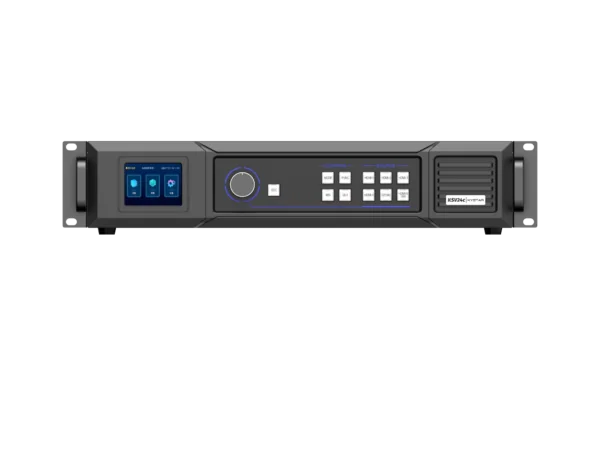
Three evaluation metrics to select and validate a setup
Measure and compare systems using three critical metrics. First, sustained frame integrity: percent of frames delivered without drop or re-sync over an hour of high-motion content. Second, color fidelity: delta E across a predefined palette measured at multiple luminance levels. Third, end-to-end latency: milliseconds from frame decode completion to visible update on the panel. These metrics map directly to operational expectations and simplify vendor conversations—Kystar’s product suite aligns with these checkpoints in deployment documentation. Expect objective gains when you lock each metric within target thresholds: higher predictability, fewer on-site interventions, and consistent audience experience. –